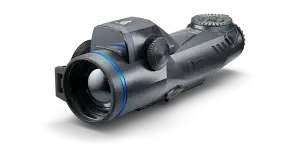
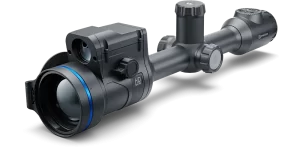
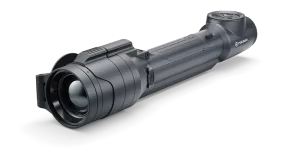
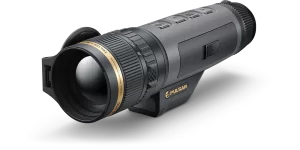
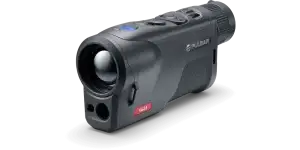
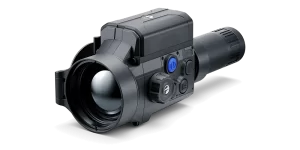
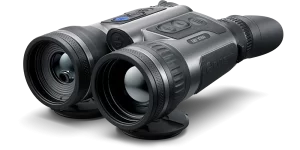
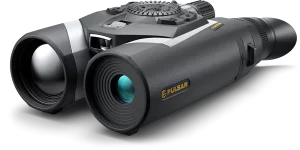
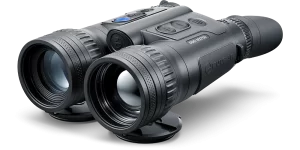
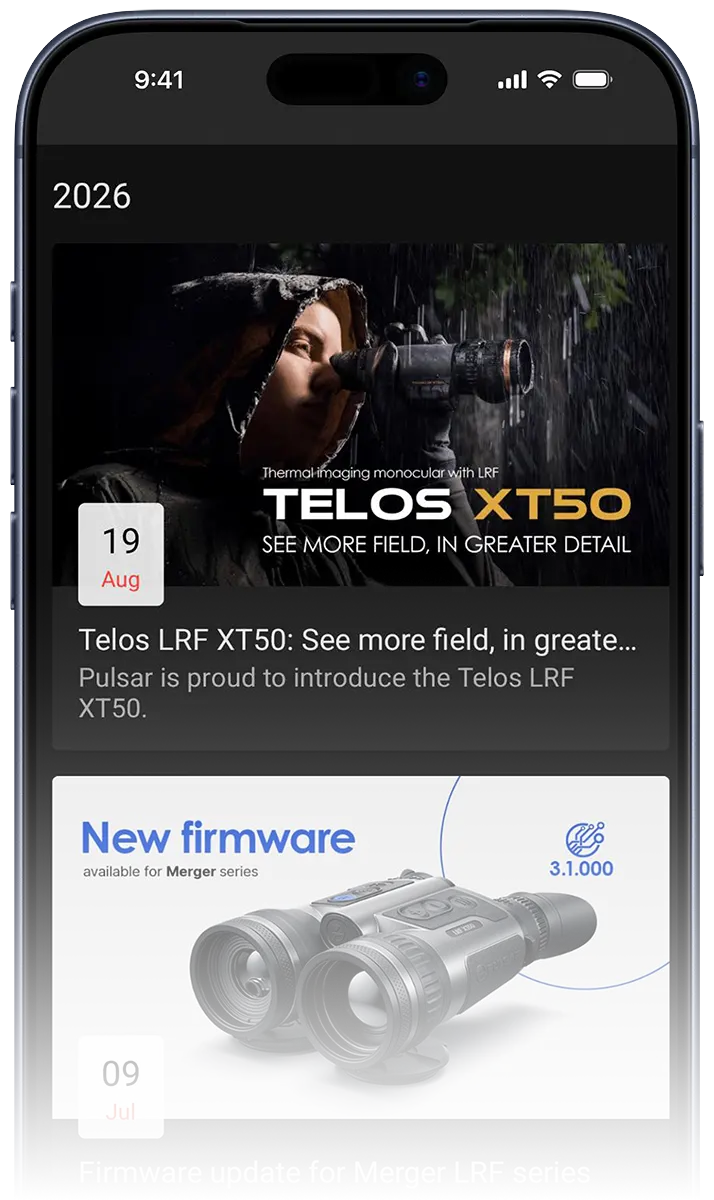
The Stream Vision 2 mobile app enhances Pulsar thermal imaging, digital night vision, and multispectral electro-optic devices, connecting them to smartphones via Wi-Fi for features like image streaming, remote control, and firmware updates. Available on Android and iOS, it also offers free Cloud storage for registered users and provides the latest news on night vision and thermal imaging technologies.
Download Stream Vision 2
Get the Stream Vision 2 app from Google Play or App Store for free today, and unlock the full capability of your Pulsar device.
Stream Vision 2 Cloud storage
Users get free space in the Stream Vision 2 Cloud for storing photos and videos. Stream Vision 2 allows you to receive the latest news about technologies and happenings in night vision and thermal imaging. Synchronise your files with the cloud and open them on any phone, tablet, or PC browser.
Remote real-time image viewing
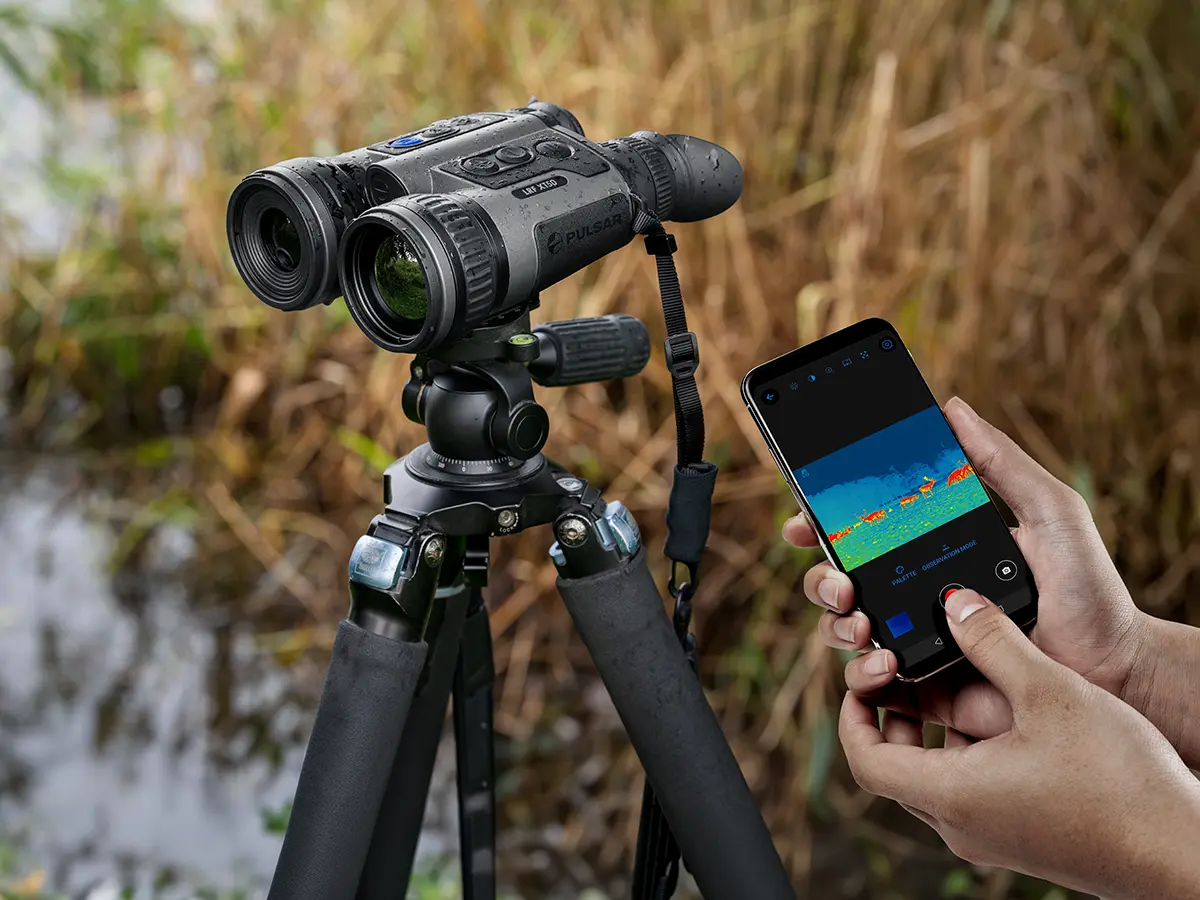
See a real-time image from your electro-optic device on your smartphone’s screen, allowing you to record footage and take photos.
Photo & Video browser
Browse all photos and videos recorded in on your thermal or digital night vision device. Download the files to your smartphone and share them with your friends.
Remote control
Control and adjust the settings of your thermal imaging or digital night vision device in the Stream Vision 2 App. See all changes in real-time in the viewfinder and make necessary corrections on-the-go.
Firmware update
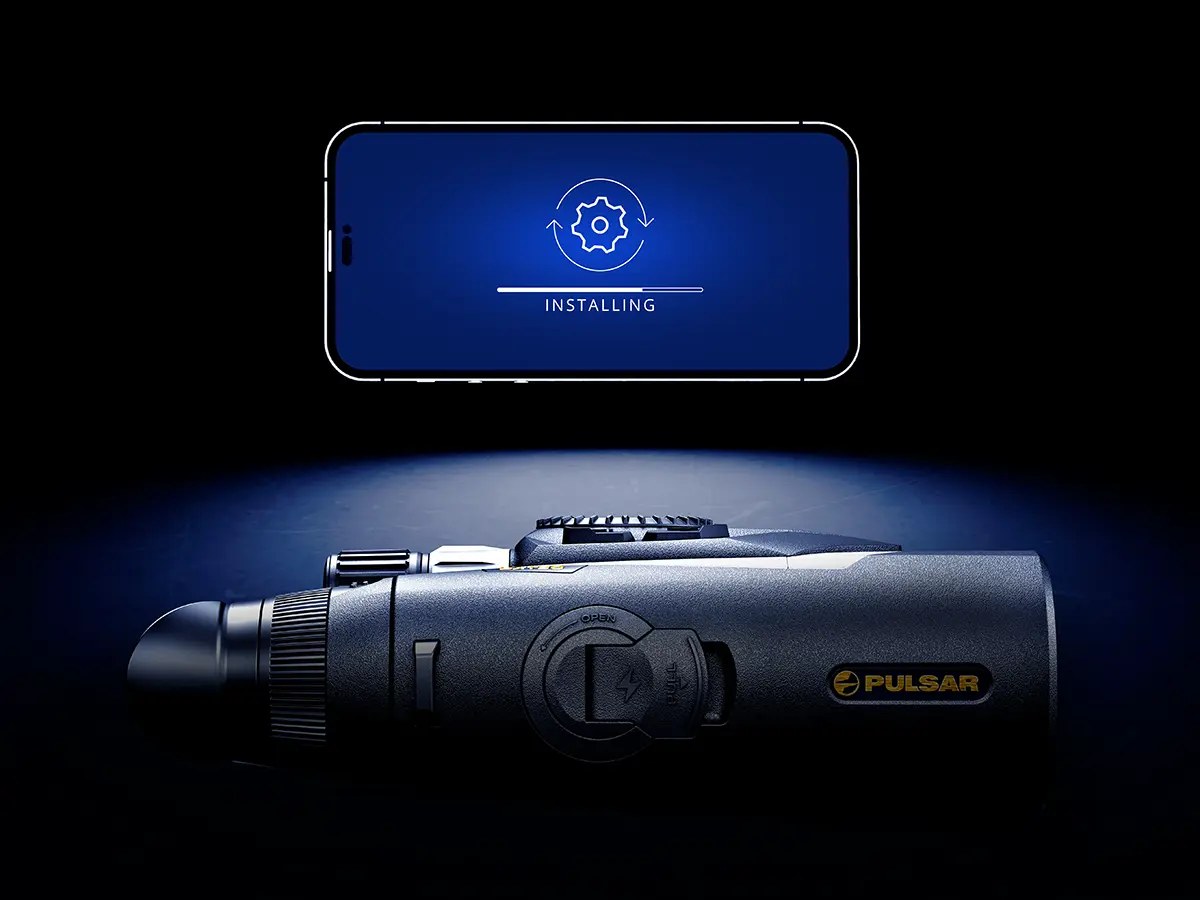
Keep your Pulsar device up-to-date and receive all the latest features and firmware enhancements. Use your Stream Vision 2 App to check and download the latest firmware for your device. Update your unit with downloaded firmware and enjoy new features.
Newsfeed
Stay updated and keep your hand on the pulse of the latest technology. Get the latest news from the night vision market together with important news from Pulsar. Learn about the newest products before anyone else.
Supported models
Stream Vision 2 supports all models from the following Pulsar product lines: Thermion 2, Trail 3, Telos. For older models, please see the legacy Stream Vision app (internal link or link to gplay / appstore).
Download Stream Vision 2
Get the Stream Vision 2 app from Google Play or App Store for free today, and unlock the full capability of your Pulsar device.
FAQ
Find quick answers to common questions about Stream Vision 2, or explore our full FAQ for more detailed guidance and troubleshooting.
Our Stream Vision 2 guides cover everything from connecting your device and controlling it remotely to firmware updates, downloading recordings and managing your media. View the manual for iOS or Android
Turn on Wi-Fi on your Pulsar device, connect your smartphone to the device’s Wi-Fi network, then open Stream Vision 2 and tap Connect device. For detailed instructions, see the Stream Vision 2 manual for iOS or Android
Open Stream Vision 2, go to Settings → My devices, select your device and tap Check firmware update. If an update is available, follow the instructions in the app to install it. Make sure your Pulsar device is fully charged before starting the update.
The ballistic calculator is available separately in the Stream Vision Ballistics app. For ballistic calculations and compatible riflescopes, use Stream Vision Ballistics rather than Stream Vision 2.
Search
This site is registered on wpml.org as a development site. Switch to a production site key to remove this banner.