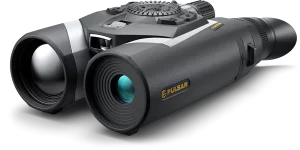
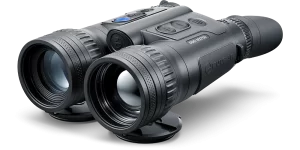
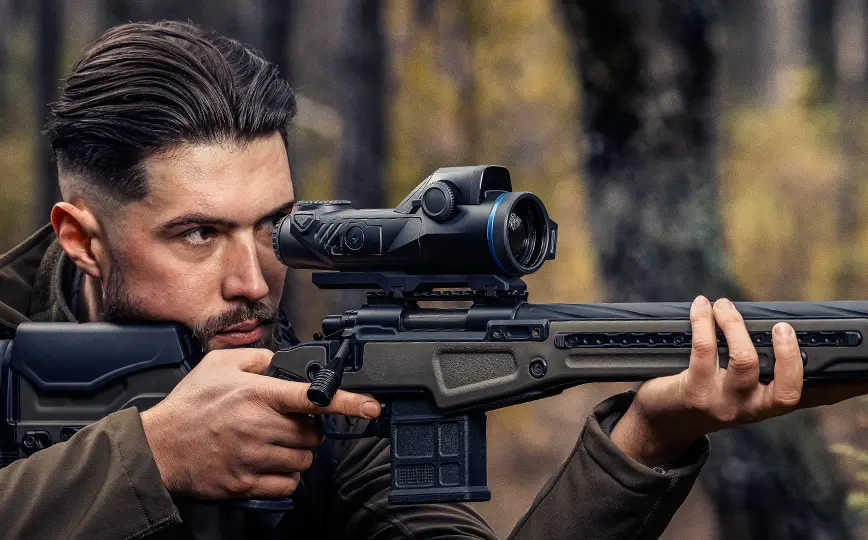
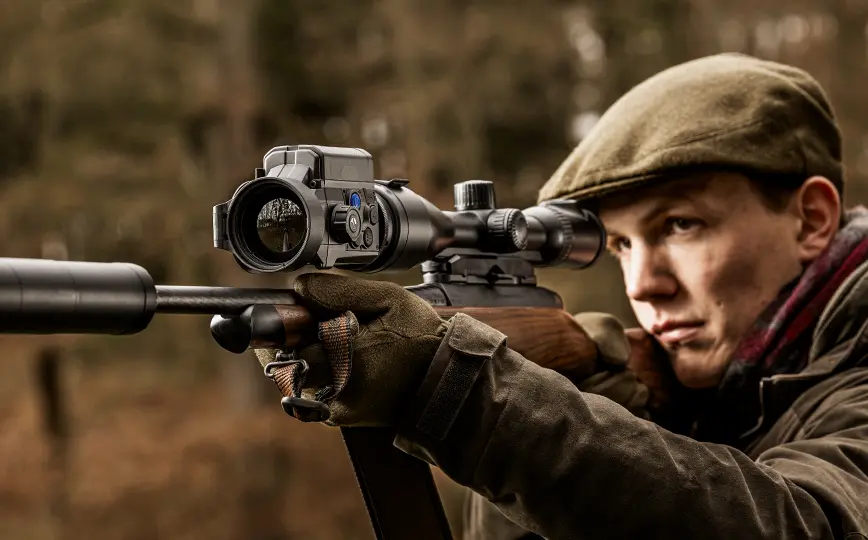
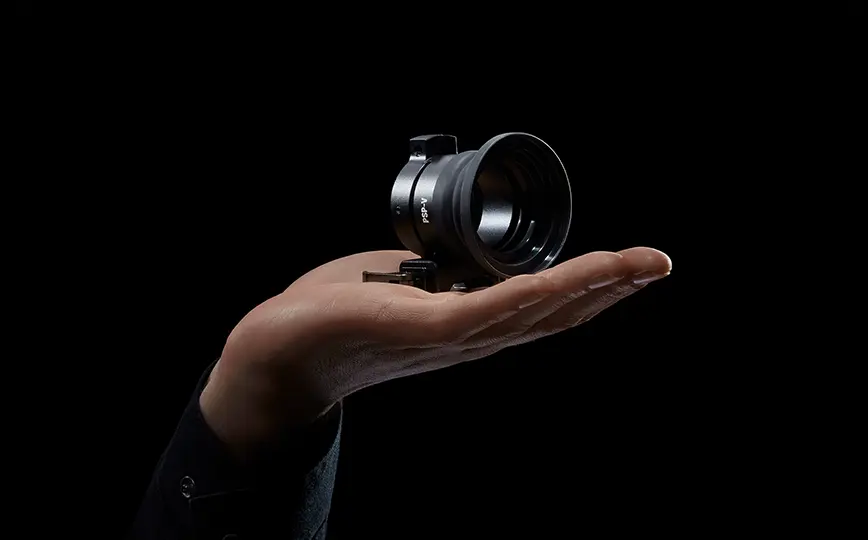
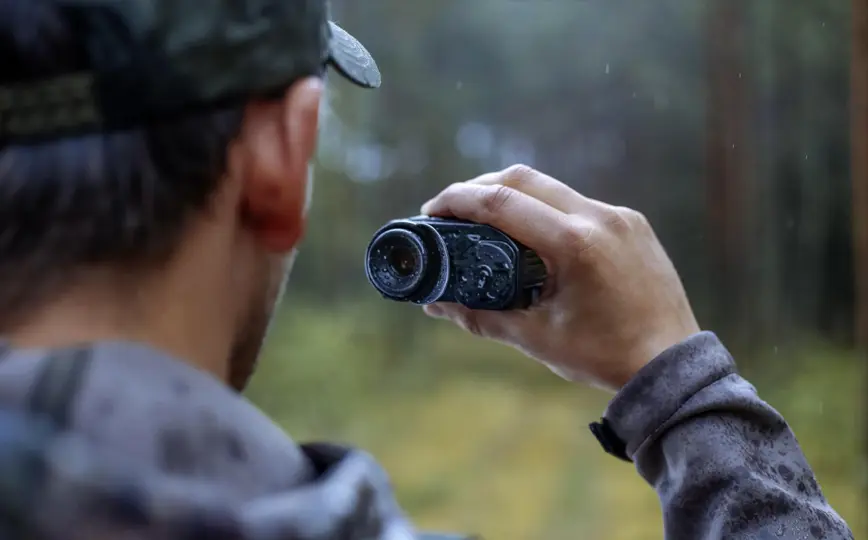
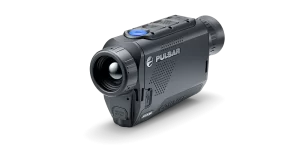
The Stream Vision Ballistics app is a full-featured mobile ballistic calculation tool for accurate longer-range shooting. You can pair the app with supporting Pulsar riflescopes or any daytime scope. We use proprietary algorithms to provide accurate, flexible, and reliable point-of-impact suggestions. To get them working, create a ballistic profile (or multiple) and enter the required data.
Download Stream Vision Ballistics
Precise sophisticated ballistics algorithm
The Stream Vision Ballistics app uses precise algorithms for accurate ballistic calculations. Multiple parameters are used in the calculation to ensure precision and flexibility.
The ever-expanding ammunition database allows you to choose the precise type you’re using while automatically retrieved weather data takes into account temperature, humidity, and even air pressure.
Upload of profiles to Pulsar riflescope
The Stream Vision Ballistics app allows you to create multiple shooting profiles and upload selected ones directly to Pulsar riflescopes.
Each profile can have varying ballistic parameters to match your chosen rifle, scope, and ammunition for maximum accuracy and precision.
Calculation based on location & weather
The Stream Vision Ballistics app can automatically gather data about your current location and weather for even better suggestions.
If you prefer, you can also add weather information manually to harness the benefits of weather-based corrections.
How to use
The use of the Stream Vision Ballistics app is simple and intuitive. But if you have any questions, watch this video for detailed and informative guidance.
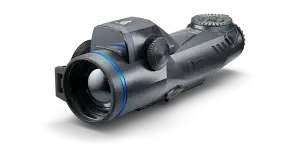
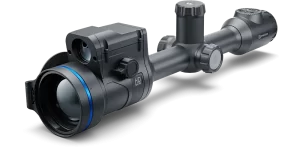
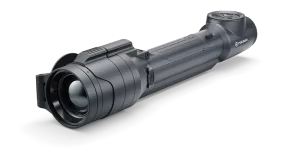
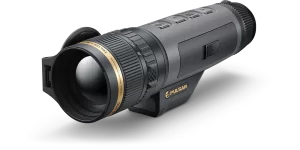
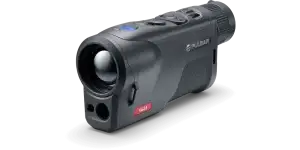
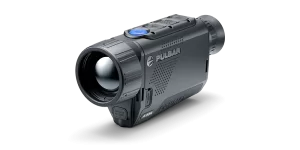
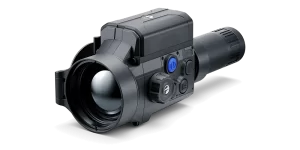
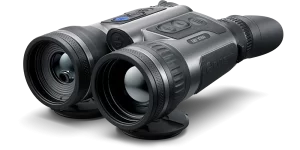
Stream Vision 2 supports all models from the following Pulsar product lines: Thermion 2, Trail 3, Telos. For older models, please see the legacy Stream Vision app (internal link or link to gplay / appstore).
Download Stream Vision 2
Id elit enim do mollit consequat et deserunt tempor velit irure magna proident. Commodo enim minim aliquip mollit commodo eiusmod aute duis incididunt. Magna eiusmod incididunt ipsum tempor mollit amet e
FAQ
Find quick answers to common questions about Stream Vision Ballistics, from connecting your device to setting up ballistic profiles and calculations.
Yes. Stream Vision Ballistics can be used as a standalone ballistic calculator without connecting a Pulsar riflescope. Select or create a ballistic profile, enter the required shooting and environmental parameters, and use the calculated corrections for your setup. For detailed instructions, see the iOS manual or Android manual.
Our Stream Vision Ballistics guides cover everything from getting started and connecting your device to creating ballistic profiles, using the calculator, creating ballistic tables and sharing profiles. View the manual for iOS or Android, or explore our Stream Vision Ballistics video guides.
Enable Bluetooth and pairing mode on your compatible Pulsar device, then open Stream Vision Ballistics and go to Devices → Connect Device. Select your device and enter the pairing code shown on its display. For detailed instructions, view the manual for iOS or Android, or follow our step-by-step video guides.
Go to the Profiles tab and create a new profile for your riflescope, ammunition and zeroing distance. Add the relevant ballistic and environmental parameters, then save the profile. If your ammunition is not listed, you can enter its parameters manually. See the full setup process in the iOS manual, Android manual, or our video guides.
Search
This site is registered on wpml.org as a development site. Switch to a production site key to remove this banner.